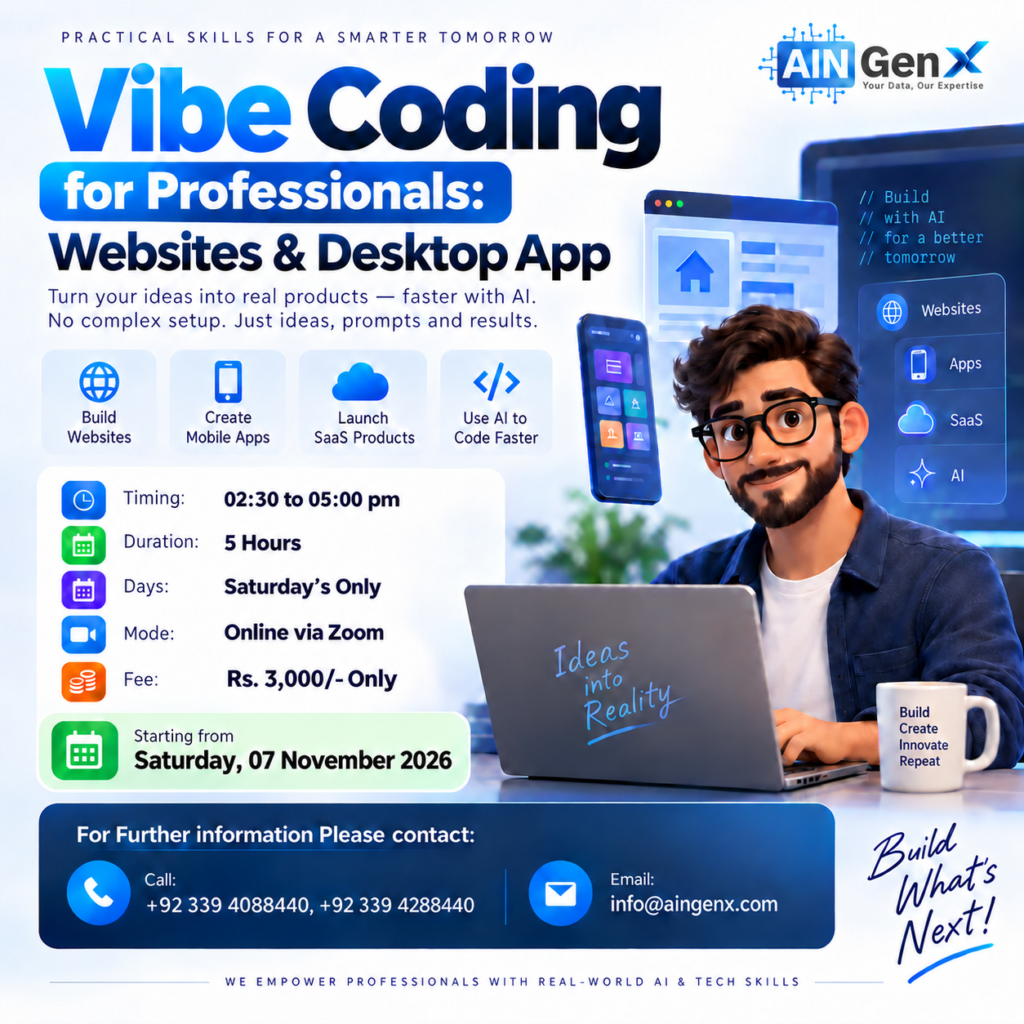
Vibe Coding for Professionals Websites, Desktop App
Claude & ChatGPT
Turn your ideas into real digital products with Vibe Coding for Professionals. Learn how AI can help you create websites, mobile apps, and SaaS solutions faster without complex coding. Ideal for professionals, entrepreneurs, freelancers, and innovators ready to transform ideas into practical, working solutions using AI-powered development.
Module 1 — Introduction to Artificial Intelligence and Prompting
1. Understanding Artificial Intelligence
• Understand what Artificial Intelligence is and how it is used in professional work.
• Understand what a Large Language Model (LLM) is.
• Learn how AI systems are trained using large amounts of data.
• Understand how AI generates responses based on patterns and instructions.
2. Introduction to Prompting
• Learn what a prompt is and why prompt quality affects the result.
• Write effective prompts using clear context, task, format, and requirements.
• Recognise the limitations of AI, including incorrect or misleading responses.
• Apply basic responsible-AI practices when using business or confidential information.
Module 2 — Vibe Coding Fundamentals: Build & Launch Your First Website
1. Introduction to Vibe Coding & AI-Assisted Development
• What is Vibe Coding?
• Traditional coding vs. AI-assisted development
• Frontend vs. backend — explained for non-technical users
• Where AI helps and where human judgment is still required
2. Prompt Engineering for Vibe Coding
• How to ask ChatGPT to act as a web developer
• Context, Task, Instructions, and Data
• Turning a simple request into a development prompt
• Creating a website master prompt
• Asking AI to improve its own prompt
• Providing screenshots and reference designs
• Prompting for UI/UX
• Prompting for mobile responsiveness
• Debugging through prompts
3. Building a Website with ChatGPT
• Understanding ChatGPT's website-building capabilities
• Creating the first website
• Creating additional pages
• Navigation between pages
• About, Services, Courses, Products, and Contact pages
• Calls-to-Action (CTAs)
• Responsive and mobile-friendly design
4. Working with Markdown & AI Instruction Files
• What is Markdown?
• Understanding .md files
• Why AI development increasingly uses Markdown
5. VS Code for Complete Beginners
• What is Visual Studio Code?
• Opening a project folder
• Understanding the Explorer panel
• Creating and editing files
6. Git & GitHub for Beginners
• What is GitHub?
• Why developers use GitHub
• Creating a GitHub account
• Creating the first repository
• Connecting the local website or project
• Pushing website files to GitHub
• Updating the website and pushing changes
7. Hosting, Domains & Going Live
• What is hosting?
• What is a domain?
• DNS explained for non-technical users
• Localhost vs. live website
• Free vs. paid hosting
• Connecting GitHub to a deployment platform
• Publishing the website
• Updating the live website after deployment
Module 3 — Vibe Coding with ChatGPT / Codex: Build Business Desktop Software
1. Thinking Like an Application Developer
• Understanding business applications
• Identifying repetitive corporate problems
• Input → Processing → Output thinking
• Users, roles, workflows, data, and rules
• Converting Excel and manual processes into applications
2. Identifying a Real Business Problem
Explore realistic corporate application scenarios:
• Payroll discrepancy checker
• Attendance compilation system
• Leave management system
• Employee probation tracker
3. Software Requirement Planning with AI
Before opening an AI coding assistant, prepare the following:
• Problem statement
• Functional requirements
• Business rules
• Input requirements
• Output requirements
• User roles
• Workflow
4. Planning the Application Architecture
• Frontend
• Backend
• Application architecture
• Local vs. cloud applications
5. Building the MVP with Claude Code
Use one application throughout the module to build a functional Minimum Viable Product (MVP).
• Create project structure
• Build login
• Build dashboard
• Add business rules
• Handle errors
• Improve UI/UX
Course Fee
● Online: Rs. 3,000/-
(One-Time Payment)
Account Details
Bank: Habib Bank Limited
Account Title: AIN GenX
Account No: 5910-70000512-03
IBAN No: PK08 HABB 0059 1070 0005 1203
Facilitators

Irfan Bakaly
Data Analyst
25+ years of experience in Data Analysis

Noor Surani
Tech Entrepreneur
25+ years of experience in Data Analysis
Who this course is for:
• Corporate Professionals
• Entrepreneurs & Business Owners
• Freelancers
• Data Analysts & BI Professionals
• Marketing & Digital Professionals
• Trainers, Consultants & Educators
• Startup Founders & Aspiring Founders
• Non-Technical Professionals
Duration
● 2 Days (5 Hours)
Classes
● Online via Zoom
Schedule
- Day: Saturday's Only
- Timing: 02:30 - 05:00 pm (PST)
Starting From
● Saturday, 07 November, 2026
Fee once paid, non-refundable, and non-transferable.
Participants from Top Organizations












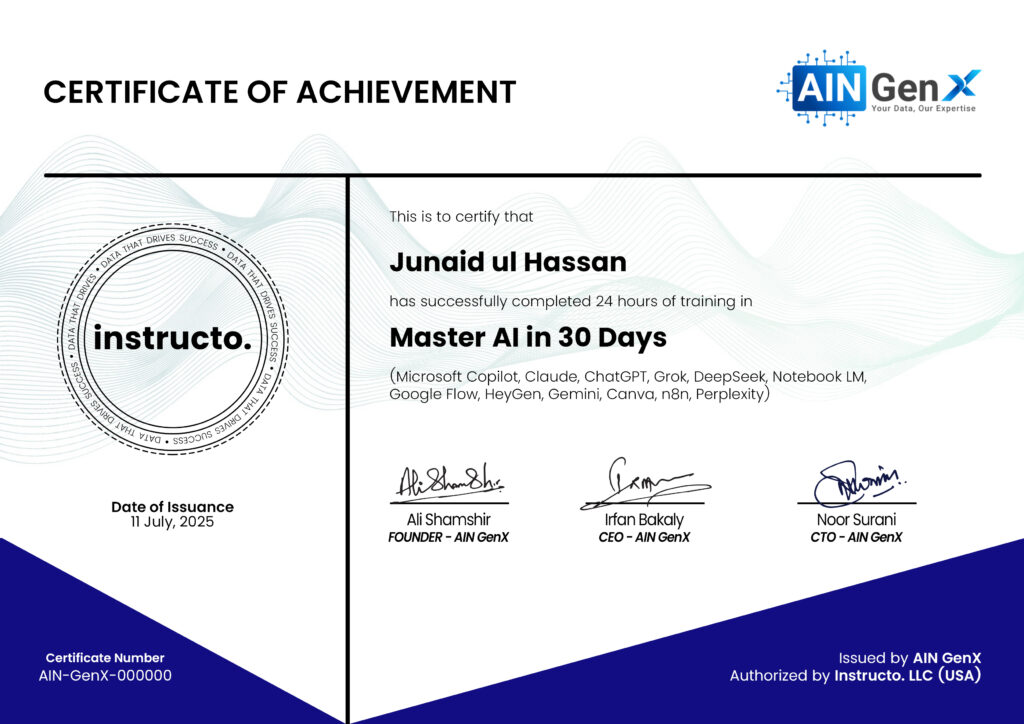
Certificates