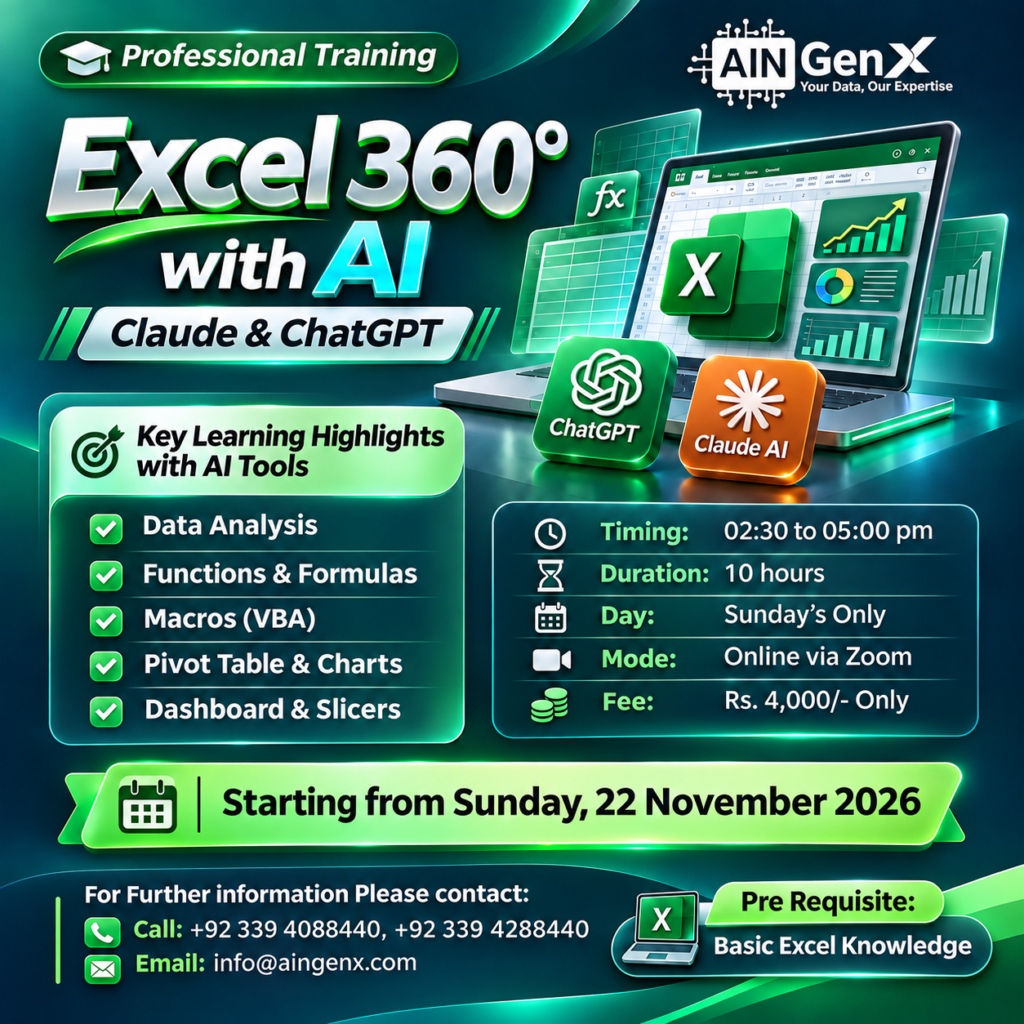

Unlock the full potential of Microsoft Excel with ChatGPT and Claude AI. Master Data Analysis, Functions & Formulas, Macros (VBA), Pivot Tables & Charts, Interactive Dashboards, and Slicers. Learn to automate tasks, analyze data smarter, and create professional reports with AI-powered techniques.
Work Smarter. Analyze Faster. Excel with AI!
Outline
Master Microsoft Excel with ChatGPT & Claude AI
Module 1: Introduction to Excel 360° with AI
- Introduction to Generative AI in Microsoft Excel
- Using ChatGPT and Claude AI for Excel productivity
- Prompt Engineering for Excel tasks and business reporting
- AI-powered Excel workflows and practical use cases
Module 2: Data Preparation & Cleaning with AI
- Data cleaning, formatting and handling missing values
- Sorting, filtering, removing duplicates and Data Validation
- Text to Columns, Flash Fill and Excel Tables
- AI-assisted data cleaning and transformation
Module 3: Excel Functions & Formulas with AI
- Logical and conditional functions: IF, IFS, AND, OR, SUMIFS and COUNTIFS
- Lookup and reference functions: XLOOKUP, VLOOKUP and INDEX-MATCH
- Generating, explaining and troubleshooting complex formulas using ChatGPT and Claude AI
Module 4: Data Analysis & Business Reporting
- Conditional Formatting and advanced data analysis techniques
- Trend analysis, variance analysis and performance measurement
- Building dynamic and automated Excel reports
Module 5: PivotTables & PivotCharts with AI
- Creating and customizing PivotTables for data summarization
- Grouping, calculated fields and advanced PivotTable analysis
- Building PivotCharts for interactive data visualization
- Using ChatGPT and Claude AI for PivotTable analysis and insights
Module 6: Interactive Dashboards & Slicers
- Dashboard design principles and KPI identification
- Creating interactive charts and dynamic visualizations
- Using Slicers and Timelines for interactive filtering
- Building professional management dashboards with AI assistance
Module 7: Excel Macros (VBA) with AI
- Introduction to Excel Macros and VBA automation
- Recording, editing and executing Excel Macros
- Generating VBA code using ChatGPT and Claude AI
- Automating repetitive Excel tasks and business processes
Course Fee
● Online Rs. 4,000/- Total
- Once paid, the fee is non-refundable and non-transferable
Account Details
Bank: Habib Bank Limited
Account Title: AIN GenX
Account No: 5910-70000512-03
IBAN No: PK08 HABB 0059 1070 0005 1203