

AIN GenX

Power BI

Master data analysis and visualization with Power BI

Power BI has become one of the most powerful tools for modern data analysis. It allows users to connect to multiple data sources, clean and transform data, and build interactive dashboards without requiring advanced technical skills. With features like Power Query, DAX formulas, and AI visuals, Power BI lets analysts uncover trends, monitor KPIs, and make data-driven decisions quickly. Its ability to refresh data automatically and share reports securely makes it ideal for teams and organizations of all sizes. Power BI transforms raw information into clear, actionable insights.

Outline

Introduction to Power BI Desktop
• Overview of Power BI components: Desktop, Service, and Mobile
• Key features and benefits of Power BI Desktop
• Understanding the Power BI interface and workflow

Data Transformation with Power Query
• Importing data from Excel, databases, CSV files, and cloud services
• Handling multiple data sources
• Removing duplicates and filtering data
• Pivoting and unpivoting data
• Splitting and merging columns
• Conditional columns
• Replacing and transforming values
• Grouping and aggregating data
• Merging and appending queries

Data Modeling in Power BI
• Creating a Data Model
• Star schema and snowflake schema in Power BI
• Difference between calculated columns and measures
• Creating calculated columns for custom data

DAX (Data Analysis Expressions) Functions
• Introduction to DAX
• Understanding row context and filter context
• Aggregation functions: SUM, MIN, MAX, COUNT, AVERAGE
• Logical functions: IF
• Text functions: CONCATENATE, LEFT, RIGHT
• Time intelligence functions: DATEADD, YTD, QTD, MTD
• Advanced measures for financial analysis (e.g., YTD growth, % changes)
• Handling complex scenarios with CALCULATE and FILTER

Data Visualization and Reporting
• Best Practices in Data Visualization
• Choosing the right visual for your data
• Overview of visualization types: bar charts, line charts, pie charts, maps, etc.
• Building dynamic and interactive visuals
• Customizing Visuals
• Formatting and styling visuals for clarity and impact
• Conditional formatting for highlighting key insights
• Using slicers and filters to add interactivity
• Creating drill-through and drill-down capabilities for deeper analysis
• Adding tooltips and custom visuals for enhanced reporting

Report Sharing and Collaboration
• Publishing reports to the cloud (Power BI Service)
• Sharing reports via email, Teams, and embedding in websites
• Setting up automatic data refreshes
• Scheduling reports and dashboards to update regularly

Course Fee

●  Online
Rs. 5,000/- Total Fee
(One time payment)

Account Details

Bank: Habib Bank Limited
Account Title: AIN GenX
Account No: 5910-70000512-03
IBAN No: PK08 HABB 0059 1070 0005 1203

Faciliators

Irfan Bakaly

Data Analyst
25+ years of experience in Data Analysis

Noor Surani

Tech Entrepreneur
25+ years of experience in Data Analysis

Saad Ahmed

Data Analyst
14+ years of Teaching Experience

Who this course is for:

Working Professionals, Entrepreneurs & Business Owners, Beginners & Students, Anyone Interested in Data

Duration

●  6 weeks (18 Hours)

Classes

●  Online via Zoom

Schedule

Starting From

●  Sunday, 04 January, 2026

Fee once paid, non-refundable, and non-transferable.

Participants from Top Organizations

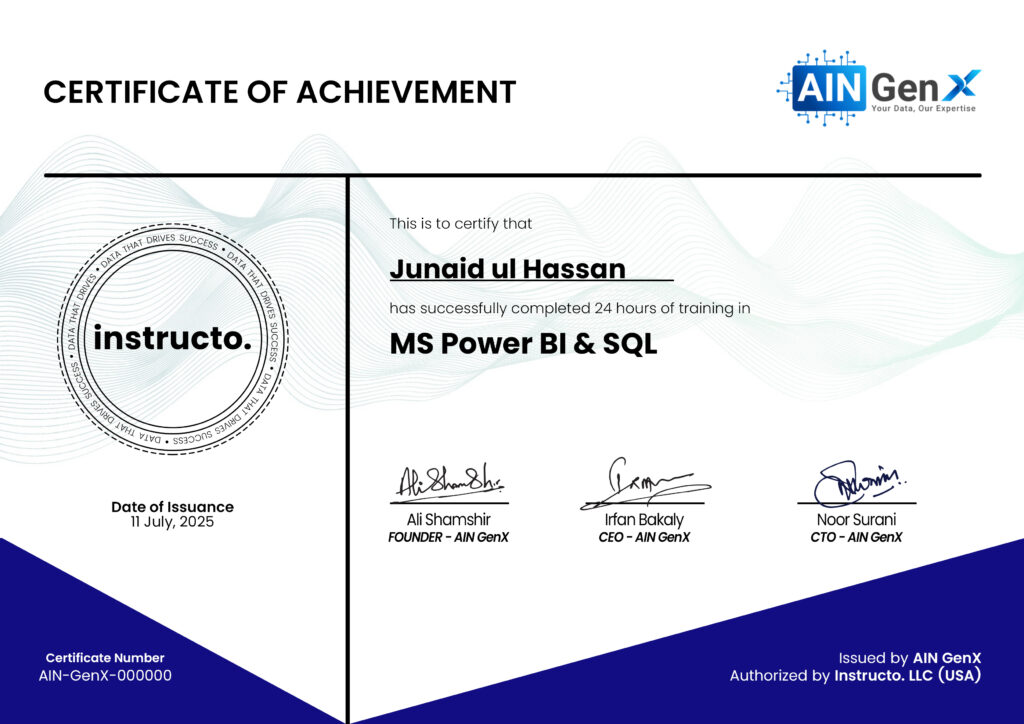
Certificates