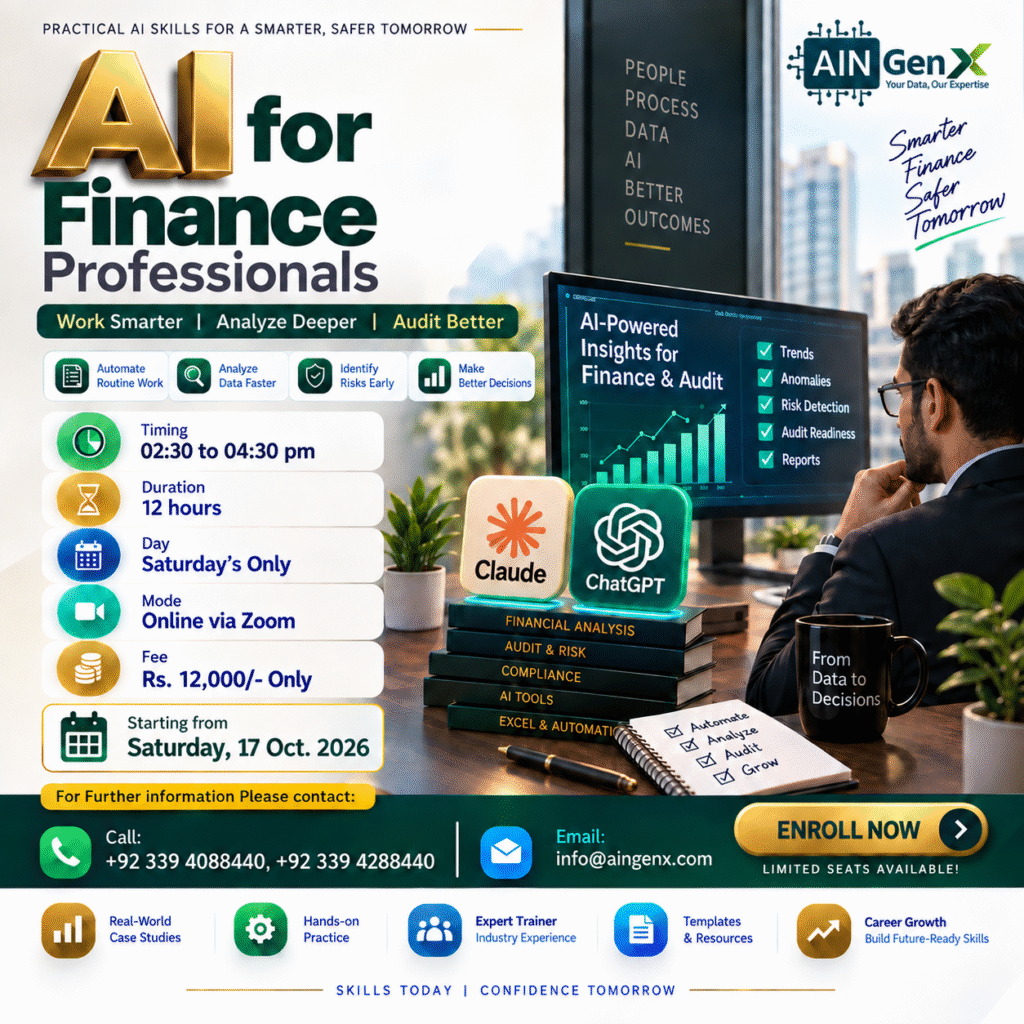
AI for Finance Professionals
Transform the way you work with financial data through AI for Finance Professionals, a practical training designed for today’s finance professionals. Learn how to combine Excel, ChatGPT, and Claude AI to improve financial analysis, reporting, budgeting, forecasting, variance analysis, financial statement review, and decision-making. Through hands-on business scenarios, participants will learn to generate and troubleshoot Excel formulas, analyze financial data, interpret key ratios, review financial documents, identify trends and exceptions, and prepare management-ready insights using AI.
Outline
Module 1 | AI Fundamentals for Finance Professionals
• Introduction to Artificial Intelligence
• Generative AI and Large Language Models
• How AI is changing Finance & Accounting
• Role of AI in modern finance departments
• ChatGPT and Claude overview
• Comparing ChatGPT and Claude for finance tasks
• AI capabilities and limitations
• Understanding AI hallucinations
• Human judgment vs AI-generated analysis
• AI-assisted vs AI-automated finance processes
• Data privacy and confidentiality
• Handling sensitive financial information
• Responsible use of AI in finance
Module 2 | Prompt Engineering for Finance
• Context-Task-Instruction-Data prompting framework
• Writing effective finance prompts
• Zero-shot and example-based prompting
• Follow-up and iterative prompting
• Creating prompts for numerical analysis
• Creating prompts for financial commentary
• Creating prompts for Excel formulas
• Creating reusable finance prompt templates
• Using tables and structured data in prompts
• Asking AI to identify missing information
Module 3 | Excel Productivity with ChatGPT & Claude
• Generate Excel formulas using AI
• Explain complex Excel formulas
• Correct broken formulas
• Troubleshoot #N/A, #VALUE!, #REF! and other errors
• IF, IFS and conditional formulas
• SUMIFS, COUNTIFS and AVERAGEIFS
• XLOOKUP and lookup techniques
• INDEX/MATCH concepts
• Date and time calculations
• Text-cleaning formulas
• Finance-related formula generation
• Aging calculations
• Variance calculations
• Growth-rate calculations
• Automating repetitive Excel tasks with AI guidance
Module 4 | Financial Data Cleaning & Preparation
• Understanding financial data structures
• Removing duplicate transactions
• Handling blank and missing values
• Correcting inconsistent formats
• Cleaning account descriptions
• Standardizing dates and currencies
• Standardizing vendor/customer names
• Detecting incorrect data types
• Finding unusual transactions
• Combining monthly finance files
• Introduction to Power Query for finance
• AI-assisted Power Query transformations
• Merge and Append operations
• Creating mapping tables
• Chart of Accounts mapping
• Preparing General Ledger data for analysis
• Creating repeatable data-cleaning workflows
Module 5 | AI-Powered Financial Analysis
• Revenue analysis
• Expense analysis
• Cost analysis
• Gross-profit analysis
• Operating-profit analysis
• Net-profit analysis
• Month-on-month analysis
• Year-on-year analysis
• Trend analysis
• Horizontal analysis
• Vertical analysis
• Department-wise performance analysis
• Product/customer profitability
• Cost-driver identification
• Identifying unusual movements
• Detecting anomalies and potential red flags
• Asking AI to generate investigative questions
• Converting numbers into business insights
Module 6 | Financial Statement & Ratio Analysis
• Understanding financial statements with AI
• Income Statement analysis
• Balance Sheet analysis
• Cash Flow Statement analysis
• Linking the three financial statements
• Current Ratio
• Quick Ratio
• Gross Profit Margin
• Operating Profit Margin
• Net Profit Margin
• Return on Assets
• Return on Equity
• Debt-to-Equity Ratio
• Receivable Turnover
• Inventory Turnover
• Working-capital analysis
• Period-over-period ratio comparison
• Identifying financial strengths and concerns
Module 7 | Budgeting, Forecasting & Variance Analysis
• Preparing budgets in Excel
• Historical data analysis for budgeting
• Budget vs Actual analysis
• Absolute variance
• Percentage variance
• Revenue variance analysis
• Expense variance analysis
• Identifying significant variances
• Building forecasting assumptions
• Revenue forecasting
• Expense forecasting
• Cash-flow forecasting
• Rolling forecasts
• Scenario analysis
• Best/Base/Worst-case scenarios
Module 8 | Accounts Receivable, Payable & Working Capital
• Accounts Receivable analysis
• Accounts Payable analysis
• Customer aging analysis
• Days Sales Outstanding concepts
• Payment-pattern analysis
• Cash Conversion Cycle concepts
• Identifying slow-moving receivables
Module 9 | AI for Finance Controls, Audit & Risk
• Duplicate-payment identification
• Unusual transaction detection
• Vendor-payment review
• Creating audit questions using AI
• Risk-based transaction prioritization
• AI-generated exception summaries
• Maintaining human review and professional judgment
Module 10 | Financial Documents with Claude & ChatGPT
• Reading lengthy financial reports
• Summarizing annual reports
• Extracting financial information
• Comparing two financial documents
• Comparing financial policies
• Creating structured summaries
• Turning documents into Excel-ready information
• Cross-checking AI-generated document analysis
Module 11 | Responsible AI, Governance & Financial Data Security
• Financial-data confidentiality
• What information should not be shared with public AI tools
• Ethical use of AI in finance
• Formula verification
• Maintaining audit trails
•Establishing internal AI-use guidelines
Course Fee
● Online
Rs. 12,000/- Total
- Once paid, the fee is non-refundable and non-transferable
Account Details
Bank: Habib Bank Limited
Account Title: AIN GenX
Account No: 5910-70000512-03
IBAN No: PK08 HABB 0059 1070 0005 1203
Facilitators

Irfan Bakaly
Data Analyst
25+ years of experience in Data Analysis

Noor Surani
Tech Entrepreneur
25+ years of experience in Data Analysis
Who this course is for:
Finance Professionals, Excel Users, Data Analysts, Business Managers, Students & Educators
Duration
● 6 Weeks (12 Hours)
Classes
● Online via Zoom
Schedule
- Day: Saturday's Only
- Timing: 02:30 - 04:30 pm (PST)
Starting From
● Saturday, 17 October, 2026
Participants from Top Organizations












Certificates