
From Smart Prompting to AI Agents, Claude Code, MCP & Real-World Automation
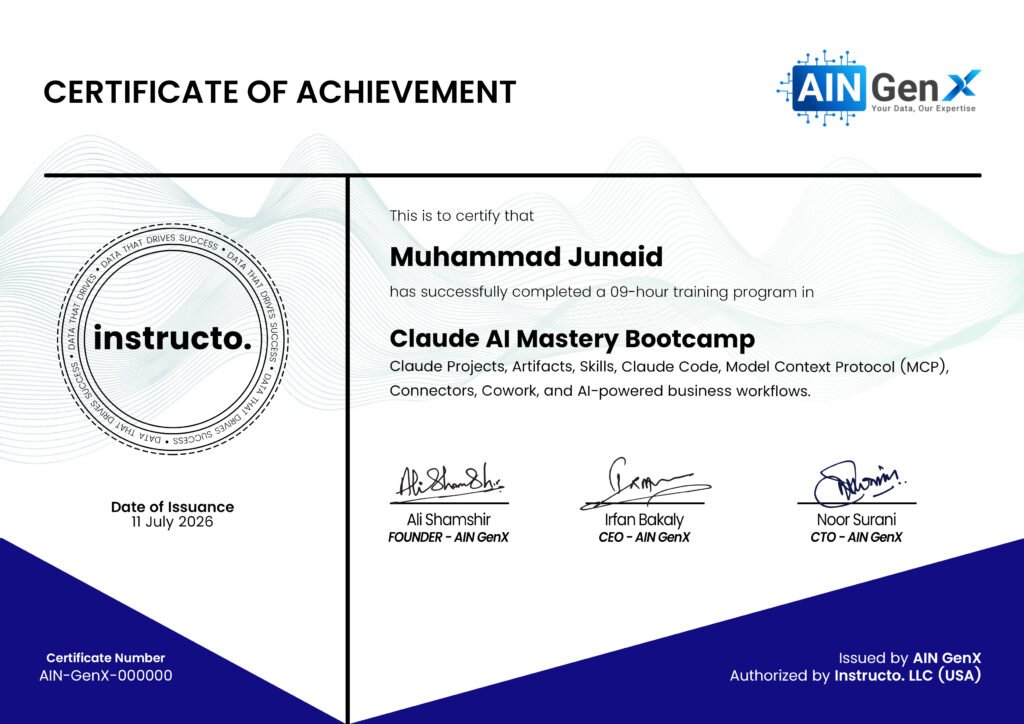
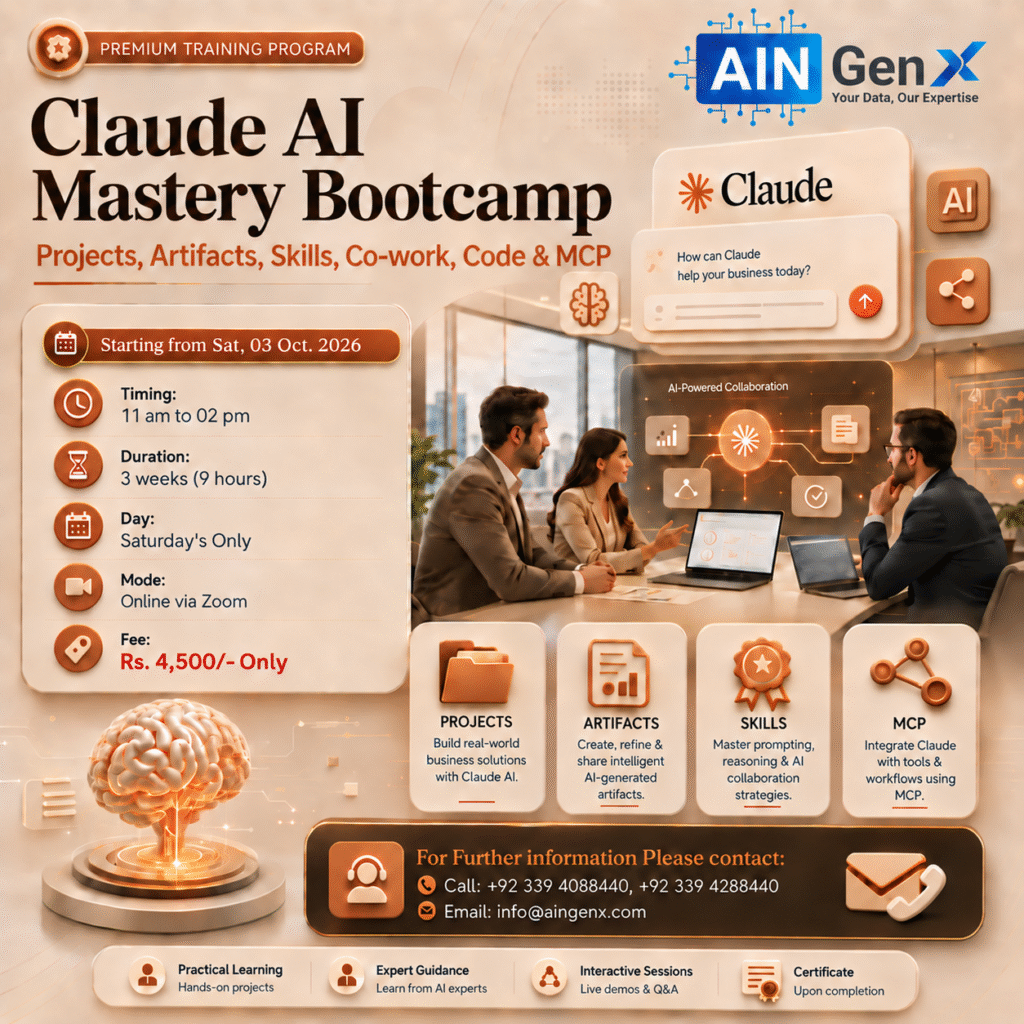
The Claude AI Mastery Bootcamp is a practical, hands-on training program designed to help participants move beyond basic AI usage and master Claude for real-world professional work.
The bootcamp covers smart prompting, document and data analysis, Claude Code, Model Context Protocol (MCP), AI agents, and business automation.
Participants will learn through practical exercises and real-world projects, enabling them to use Claude for productivity, problem-solving, coding, analysis, and intelligent workflow automation.
Claude AI Mastery Bootcamp
1. Claude AI Essentials & Smart Prompting
- Prompt structure: Context, Task, Instructions & Output Format
- Role-based, zero-shot and few-shot prompting
- Managing context, follow-up instructions and output refinement
- Building reusable professional prompt workflows
2. Claude Projects
- Creating Projects for specific business functions or assignments
- Adding project instructions, files and reference material
- Maintaining context and continuity across related tasks
- Building reusable project-based workflows
3. Files, Multimodal Analysis & Context
- Working with PDFs, Word documents, images, CSVs and spreadsheets
- Extracting structured information from unstructured files
- Comparing and analyzing multiple files together
- Managing large documents and long-context workflows
4. Artifacts & Business Deliverables
- Creating structured reports, dashboards and interactive outputs
- Turning analysis into professional business deliverables
- Refining and iterating outputs with Claude
- Using artifacts for reusable trackers and business views
5. Claude Skills
- Understanding Skills versus ordinary prompts and instructions
- Creating reusable Skills for repetitive professional tasks
- Using /skill-name or natural-language triggering
- Sharing and reusing standardized workflows
6. Claude Desktop
- Claude Desktop interface and working with local content
- Accessing local files and computer-based workflows
- Understanding permissions and safe desktop access
7. Claude Cowork
- Assigning multi-step professional tasks to Claude
- Working with folders, Projects and connected business tools
- Using Claude to read information and create finished files
- Human review and approvals during autonomous work
8. Plugins
- Understanding Claude Plugins and their business purpose
- Installing and using role-based plugins
- Combining Skills and Connectors
9. Claude Microsoft 365 Add-ins
- Claude for Excel — analysis, formulas, insights and spreadsheet workflows
- Claude for PowerPoint — presentation generation and refinement
- Claude for Word — reports, proposals and business documentation
- Using Skills consistently across Microsoft 365 applications
10. Claude Code
- Understanding Claude Code and terminal-based AI development
- Generating, reviewing, debugging and refactoring code
- Working with project folders and existing codebases
- Using Claude Code for small applications and business automation
11. Model Context Protocol — MCP
- Understanding MCP architecture and MCP servers
- Connecting Claude to external applications and data
- Tools, resources and permissions
- Building a simple real-world MCP workflow
12. AI Agents & Agentic Workflows
- Difference between normal prompting and agentic workflows
- Multi-step planning, tool usage and task execution
- Specialized agents and sub-agents
- Human-in-the-loop approvals and checkpoints
13. Computer Use & Browser-Based Workflows
- Understanding connector, browser and screen-interaction workflows
- Automating repetitive browser-based business tasks
14. Workflow Automation & Scheduled Tasks
- Designing recurring and scheduled Claude workflows
- Adding human approval before important actions
Course Fee
● Online: Rs. 4,500/-
(One-Time Payment)
Account Details
Bank: Habib Bank Limited
Account Title: AIN GenX
Account No: 5910-70000512-03
IBAN No: PK08 HABB 0059 1070 0005 1203