Generative AI for Financial Analysis & Reporting
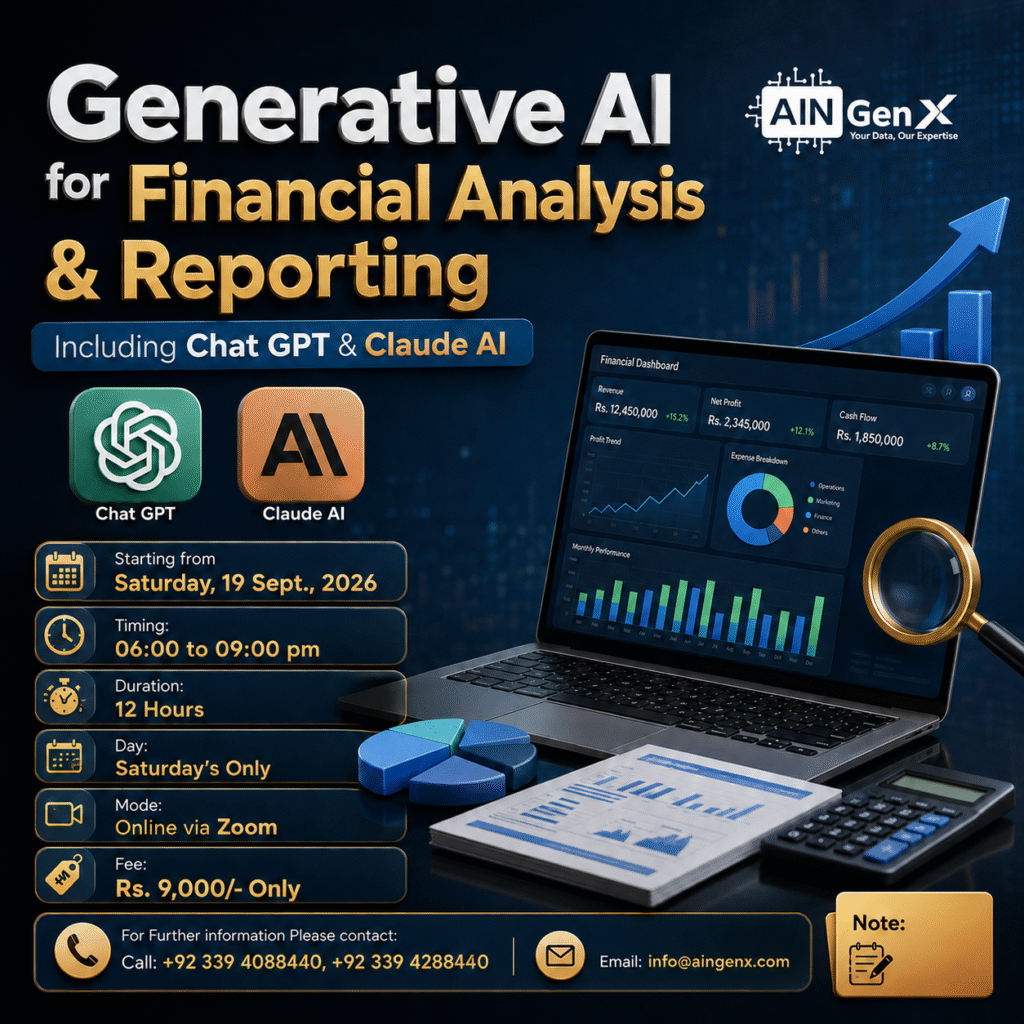
Generative AI is transforming financial analysis and reporting by helping professionals work faster, uncover deeper insights, and communicate results clearly. This practical training teaches participants how to use AI tools such as ChatGPT and Claude to analyze financial data, automate repetitive reporting, explain trends, support forecasting, and create management-ready summaries. Learners also discover how to improve accuracy, generate formulas, identify risks, and save valuable time without replacing professional judgment. By combining financial expertise with AI capabilities, participants become more productive, confident, and future-ready. The training provides immediately applicable skills for finance teams, analysts, accountants, managers, and business decision-makers across industries.
Outline
Module 1: Introduction to Generative AI in Finance
- ● What Generative AI is and how it supports finance teams
- ● Generative AI versus traditional Excel automation
- ● Practical applications in financial analysis and reporting
- ● Limitations, data privacy, accuracy, and human review
- ● Writing effective financial prompts
Module 2: ChatGPT in Excel
- ● Introduction to using ChatGPT inside Excel
- ● Connecting and working with the ChatGPT Excel add-in
- ● Understanding financial datasets and column structures
- ● Cleaning and standardizing financial data
- ● Categorizing transactions automatically
- ● Identifying missing values, duplicates, and inconsistencies
- ● Generating and explaining Excel formulas
- ● Troubleshooting formula errors with AI
- ● Creating dynamic financial calculations
Module 3: AI-Assisted Financial Analysis
- ● Revenue, expense, profit, and margin analysis
- ● Actual versus budget analysis
- ● Variance calculations and explanations
- ● Month-on-month and year-on-year comparisons
- ● Cost and profitability analysis
- ● Identifying unusual transactions and financial anomalies
- ● Finding patterns, trends, and performance drivers
- ● Generating management insights from Excel data
Module 4: Forecasting and Predictive Analysis
- ● Preparing historical data for forecasting
- ● Creating revenue and expense forecasts
- ● Cash-flow forecasting
- ● Trend-based forecasting in Excel
- ● Best-case, expected, and worst-case scenarios
Module 5: Claude AI for Excel Analysis
- ● Uploading and analyzing Excel workbooks with Claude AI
- ● Asking questions about financial data
- ● Reviewing multiple worksheets and linked information
- ● Checking formulas, calculations, and workbook logic
- ● Identifying financial trends, risks, and anomalies
- ● Comparing budget, actual, and forecast results
- ● Generating recommendations from financial findings
- ● Validating Claude AI's output against source data
Module 6: Automated Financial Reporting
- ● Converting Excel analysis into structured reports
- ● Generating executive summaries
- ● Writing variance explanations and financial commentary
- ● Creating monthly management reports
- ● Producing KPI summaries for senior management
- ● Turning technical findings into business language
- ● Creating email summaries for stakeholders
Module 7: Dashboards and Data Storytelling
- ● Selecting the right financial KPIs
- ●Preparing AI-assisted dashboard data
- ● Creating charts for revenue, expenses, profit, and cash flow
- ● Building a simple interactive Excel dashboard
- ● Using AI to recommend suitable visualizations
- ● Generating titles, insights, and chart commentary
- ● Presenting financial results clearly to management
Course Fee
● Online
Rs. 9,000/- Total
- Once paid, the fee is non-refundable and non-transferable
Account Details
Bank: Habib Bank Limited
Account Title: AIN GenX
Account No: 5910-70000512-03
IBAN No: PK08 HABB 0059 1070 0005 1203
Facilitators

Irfan Bakaly
Data Analyst
25+ years of experience in Data Analysis

Noor Surani
Tech Entrepreneur
25+ years of experience in Data Analysis
Who this course is for:
Finance Professionals, Excel Users, Data Analysts, Business Managers, Students & Educators
Duration
● 4 Weeks (12 Hours)
Classes
● Online via Zoom
Schedule
- Day: Saturday's Only
- Timing: 06:00 - 09:00 pm (PST)
Starting From
● Saturday, 19 September, 2026
Participants from Top Organizations












Certificates