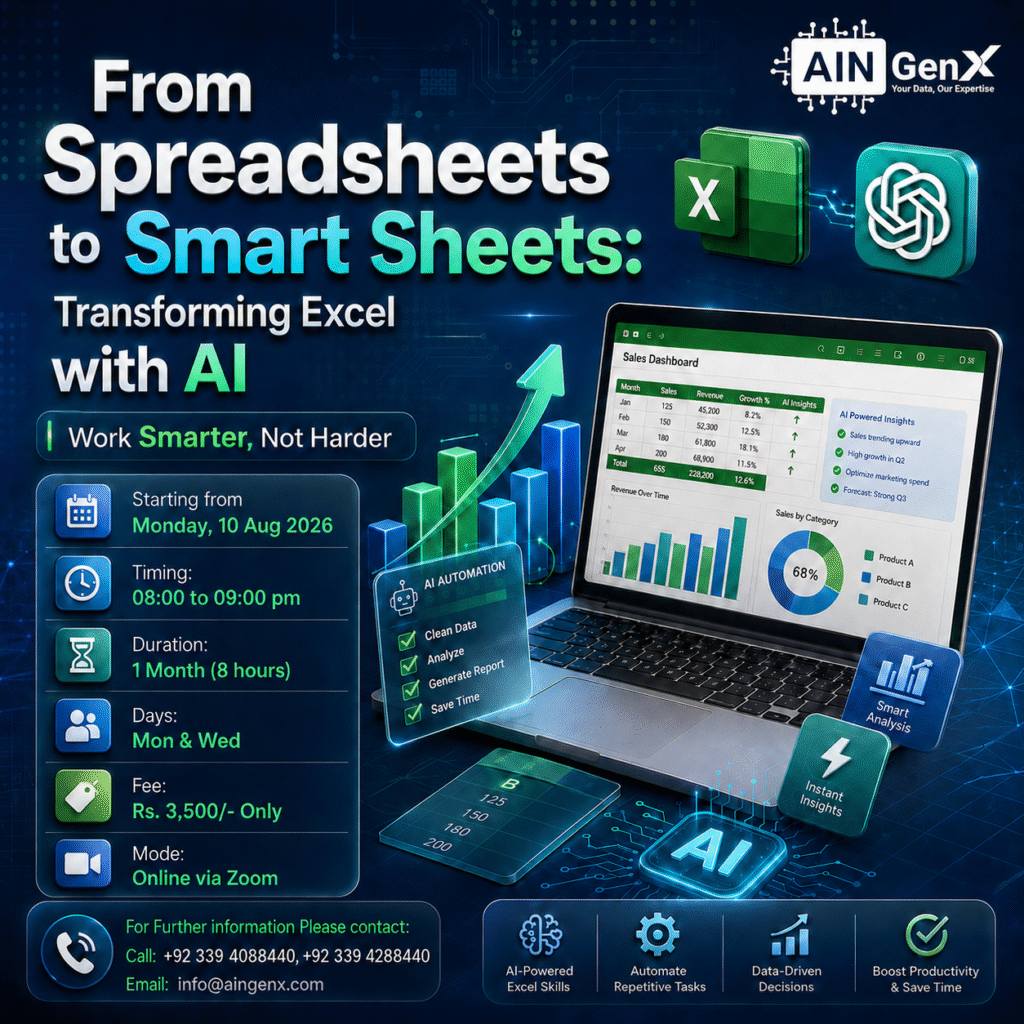
By the end of this training, participants will be able to use ChatGPT with Excel to:
Create Excel formulas from simple instructions
• Generate formulas such as IF, SUMIFS, COUNTIFS, XLOOKUP, INDEX-MATCH, percentage, ranking, ageing, and variance formulas without writing them manually.
Understand and fix formula errors
• Ask ChatGPT to explain and correct errors such as #N/A, #VALUE!, #REF!, #DIV/0!, and incorrect formula results.
Clean and organize messy data
• Get step-by-step guidance to remove duplicates, extra spaces, blank rows, inconsistent names, incorrect dates, and numbers stored as text.
Analyze Excel data using natural-language prompts
• Ask business questions about sales, expenses, customers, employees, inventory, or financial data and receive suggestions for suitable calculations and analysis.
Generate meaningful business insights
• Use ChatGPT to identify trends, top and bottom performers, unusual transactions, growth patterns, target achievement, and areas requiring attention.
Create PivotTable and chart recommendations
• Ask ChatGPT which PivotTables, charts, fields, rows, columns, values, and filters should be used for a specific reporting requirement.
Build professional Excel reports and dashboards
• Get recommendations for KPIs, dashboard layouts, slicers, charts, conditional formatting, headings, and management summaries.
Automate repetitive Excel tasks
• Use ChatGPT to generate simple VBA macros, Power Query steps, Office Scripts, and automation instructions for routine reporting tasks.
Write professional summaries from Excel results
• Convert spreadsheet findings into management reports, email summaries, observations, recommendations, and presentation-ready insights.
Use ChatGPT safely and effectively with Excel
• Learn how to write clear prompts, validate AI-generated formulas, protect confidential data, and avoid relying on incorrect AI-generated results.