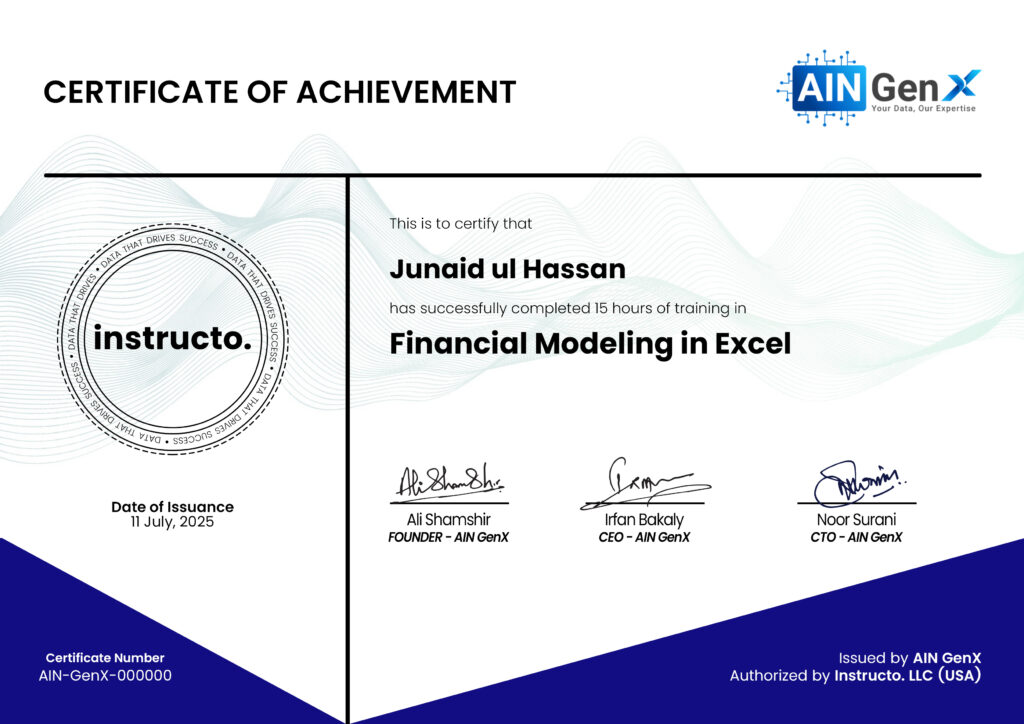


Financial modeling in Excel helps professionals analyze business performance, forecast future outcomes, and support decision-making. Using formulas, scenarios, and structured assumptions, Excel models transform raw financial data into actionable insights for budgeting, valuation, and strategic planning.
Outline
Module 1: Introduction to Financial Modelling
• What is financial modelling?
• Types of financial models
• Uses in business & decision making
• Model structure & best practices
Module 2: Excel Setup for Financial Models
• Excel layout standards (Inputs, Calculations, Outputs)
• Color coding conventions (Inputs / Formulas / Outputs)
• Model documentation techniques
• Naming ranges & structured references
• Keyboard shortcuts for model building
Module 3: Core Excel Skills for Financial Modelling
• Essential formulas (SUMIF, COUNTIF ,IF, IFS, VLOOKUP, XLOOKUP)
• Logical & nested calculations
• Error handling (IFERROR)
• Date & time functions for finance
• Absolute vs relative references (Best practices)
Module 4: Financial Statements Fundamentals
• Income Statement structure
• Balance Sheet structure
• Cash Flow Statement structure
• Linking the three financial statements
• Understanding financial flows
Module 5: Building a 3-Statement Financial Model
• Revenue assumptions
• Cost & expense drivers
• Depreciation
• Working capital assumptions
• Debt & interest calculations
Tech Entrepreneur
25+ years of experience in Data Analysis

Who this course is for:
Finance professionals, Accountants and auditors, Financial analysts and investment professionals, Managers involved in budgeting, forecasting, and reporting, Students or graduates