

AIN GenX

Excel for Non Finance Professionals

Excel is an essential tool for non-finance professionals, helping them work smarter, analyze information, and make better decisions. Whether you're in HR, Administration, Sales, or Operations, Excel simplifies daily tasks through powerful yet easy-to-use features. With functions, tables, PivotTables, and data-cleaning tools, users can quickly organize data, identify trends, and present insights clearly. Visual elements like charts make reports more engaging and easier to understand. Even without a finance background, mastering key Excel skills boosts productivity, reduces manual work, and enhances professional efficiency. Learning Excel empowers non-finance teams to confidently handle data and contribute more effectively to business success.

Outline

• Introduction to Excel Interface (Ribbon, Tabs, Quick Access Toolbar)
• File management: Saving, templates, exporting
• Formatting basics: Fonts, colors, borders, cell styles
• Working with rows, columns, and sheets efficiently
• Copy-paste tricks (Paste Special, Transpose, Flash Fill)
• Shortcuts & navigation for efficiency
• Data validation (drop-down lists, error messages)
• Sorting & Filtering data
• Conditional Formatting for quick insights
• Working with Tables (structured references)
• Cleaning messy data (TRIM, CLEAN, FIND & REPLACE, Text to Columns)

• Basic Math functions (SUM, AVERAGE, MIN, MAX, COUNT, COUNTA)
• Text functions (LEFT, RIGHT, MID, LEN, TRIM, CONCATENATE/TEXTJOIN)
• Date & Time functions (TODAY, NOW, DATEDIF, EOMONTH)
• Logical functions (IF, AND, OR, IFS)
• Lookup basics (VLOOKUP, HLOOKUP, XLOOKUP)
• Advance Functions (Index, Match, Multi Vlookup)

• Sorting & Filtering for analysis
• Advanced Conditional Formatting (icons, color scales)
• PivotTables: Basics of summarizing data
• PivotCharts: Visualizing PivotTable results
• Best practices for charts (bar, line, pie, combo charts)

• Case Study: Creating a sales or HR dashboard (non-finance context)
• Creating interactive dashboards with slicers
• Collaboration: Protecting sheets, comments, sharing files
• Printing & Page Layout for professional reports
• Final Project: Each participant builds a small dashboard/report from raw data

• Introduction to Power Query
• Common Data Transformation
• Append, Merge, Group by & Conditional Column
• Introduction to Power Pivot (Data Model & Relationships)
• Difference between Calculated Columns & Measures
• Introduction to DAX: SUM, Count, Distinct Count & CALCULATE
• Connecting everything into interactive dashboard

Course Fee

●  Online
Rs. 5,000/- Total

- Once paid, the fee is non-refundable and non-transferable

Account Details

Bank: Habib Bank Limited
Account Title: AIN GenX
Account No: 5910-70000512-03
IBAN No: PK08 HABB 0059 1070 0005 1203

Faciliators

Irfan Bakaly

Data Analyst
25+ years of experience in Data Analysis

Noor Surani

Tech Entrepreneur
25+ years of experience in Data Analysis

Who this course is for:

This course is for HR, Admin, Sales, and Operations professionals who want to improve their Excel skills.

Duration

●  6 Weeks (15 Hours)

Classes

● Online via Zoom

Schedule

Starting From

●  Saturday, 20 December, 2025

Participants from Top Organizations

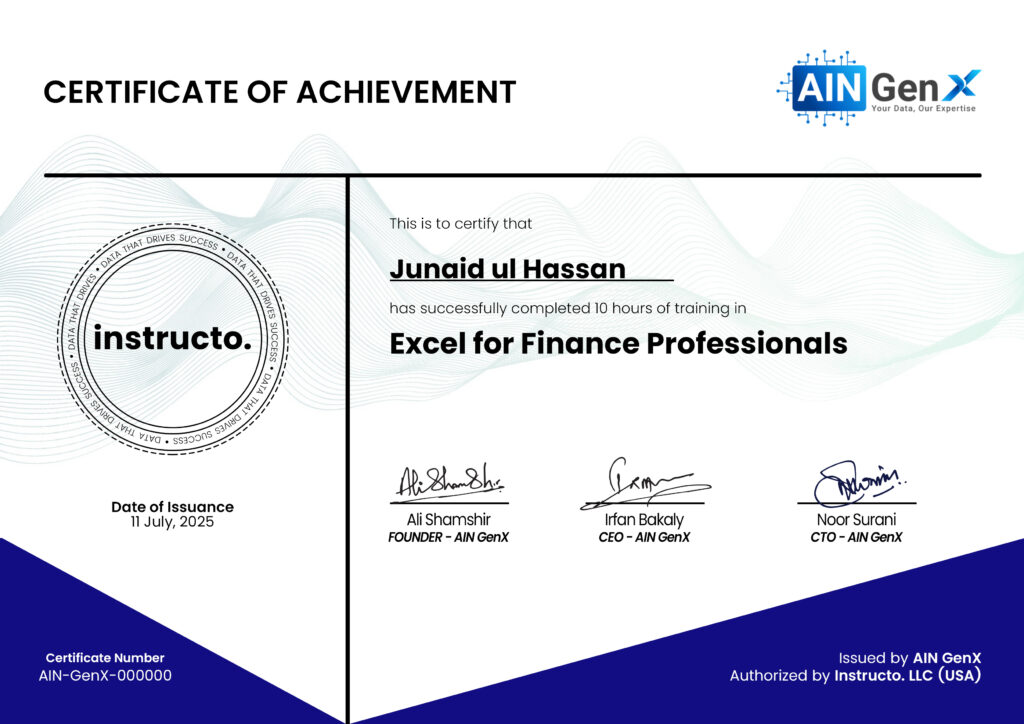
Certificates