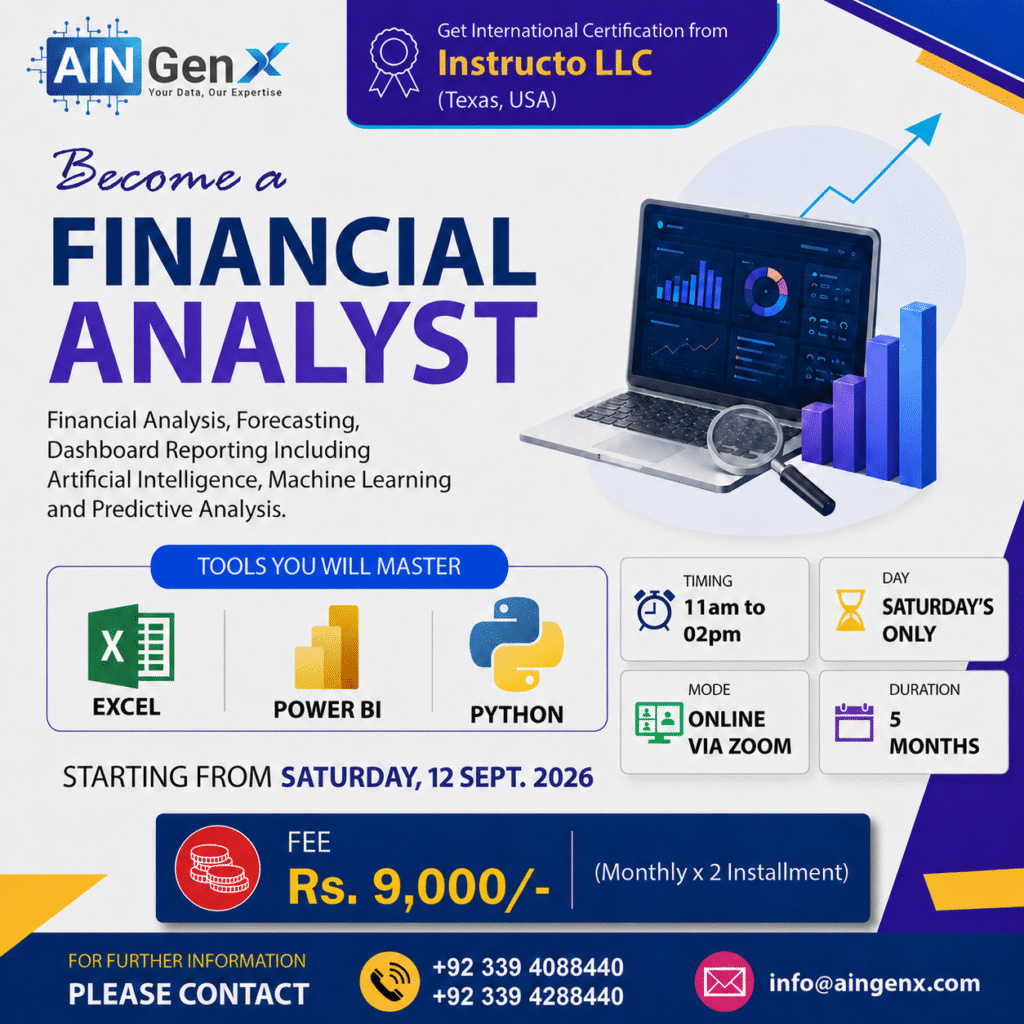
Become a Financial Analyst
MS Excel | Power BI | Python
To become a financial analyst, mastering tools like Excel, Power BI, and Python is essential. Excel helps with financial modeling and data analysis, Power BI enables interactive data visualization, and Python automates analysis with advanced financial algorithms. Gaining expertise in these tools enhances decision-making and career growth in finance.
Outline
Module 1: Financial Analysis, Forecasting, and Dashboard Reporting Using MS Excel
Chapter 1 – Excel Fundamentals for Finance (Quick Recap)
• Navigating Excel efficiently (shortcuts, ribbons, quick access toolbar)
• Formatting numbers for finance (currency, accounting, percentages)
• Custom number formats for financial data
• Best practices for organizing and structuring financial spreadsheets
Chapter 2 – Essential Functions for Financial Analysis
• Basic math & logic functions (SUM, AVERAGE, IF)
• Financial functions (PMT, FV, PV, RATE, NPER)
• Date functions for financial timelines (EOMONTH, EDATE, YEARFRAC)
• Text functions for cleaning data (TEXT, TRIM, CONCAT)
Chapter 3 – Data Management & Cleaning
• Data sorting & filtering for financial datasets
• Using Remove Duplicates and Text to Columns
• Advanced Find & Replace for finance reports
• Data validation for error-free inputs
Chapter 4 – Advanced Formulas for Finance
• Nested IF statements & logical operators
• Lookup functions (VLOOKUP, HLOOKUP, INDEX, MATCH, XLOOKUP)
• Dynamic array functions (FILTER, SORT, UNIQUE)
• Error handling functions (IFERROR, IFNA)
Chapter 5 – Financial Modeling Basics
• Structure & principles of financial models
• Assumption sheets & input variables
• Linking statements & dynamic updates
Chapter 6 – Data Analysis Tools
• PivotTables for financial reporting
• PivotCharts for finance visualization
• Grouping & summarizing financial data
• Using Slicers and Timeline
Chapter 7 – Charts & Visualization for Finance
• Choosing the right chart for finance (Column, Line, Combo)
• Waterfall charts for profit & loss analysis
• Sparklines for quick financial trend insights
• Formatting & customizing charts for presentations
Chapter 8 – Excel for Budgeting & Forecasting
• Building budget templates
• Forecasting sales & expenses with FORECAST & TREND
• Variance analysis (budget vs. actual)
• Rolling forecasts
Chapter 9 – Risk Analysis & Decision Making
• Break-even analysis
• Goal Seek & Solver for finance decisions
Chapter 10 – Case Studies & Projects
• Building a full 3-statement financial model in Excel
• Automating a monthly management report
• Dashboard for financial KPIs
Module 2: Financial Analysis, Forecasting, and Dashboard Reporting Using MS Power BI
Chapter 1: Introduction to Financial Reporting in Power BI
• What is Financial Reporting & its importance.
• Types of Financial Reports (P&L, Balance Sheet, Cash Flow, KPI Dashboards).
• Overview of Power BI interface & key components (Power Query, Data Model, DAX, Visualization).
• Importing financial data from Excel.
• Understanding structured vs unstructured data.
Chapter 2: Data Preparation using Power Query
• Common issues in financial datasets (unpivoting, date errors, inconsistent headers).
• Cleaning and transforming data:
o Split columns, merge, fill down, replace values.
o Correcting data types & date formats.
o Creating conditional columns
o Merging multiple sheets/tables
• Creating a Calendar table in Power Query.
• Appending data for multiple years.
• Power Query best practices for finance data.
Chapter 3: Data Modeling & Relationships
• Understanding fact & dimension tables.
• Designing data models for financial statements.
• Creating relationships between tables
• Understanding “one-to-many” vs “many-to-one” relationships.
• Creating a measure table for DAX.
Module 4: Financial Metrics & DAX Measures
• Review of common financial metrics:
o Gross Profit, Operating Income, Net Profit.
o Expense Ratios, Margin %, Growth %, etc.
• Essential DAX functions:
o CALCULATE, FILTER, DIVIDE, ALL, REMOVEFILTERS
o Time Intelligence: DATESINPERIOD, DATEADD, SAMEPERIODLASTYEAR etc
o SWITCH, TOPn , RANKx etc
• Creating KPIs and trend measures.
• Year-over-Year (YoY) and Month-over-Month (MoM) analysis.
• Creating dynamic financial ratios dashboard.
Chapter 5: Designing Financial Dashboards
• Visualizing Income Statement, Balance Sheet & Cash Flow.
• Choosing right visuals for finance data (Matrix, Waterfall, Cards, KPIs).
• Conditional formatting and custom tooltips.
• Adding slicers, buttons, and navigation between reports.
• Using Bookmarks for dynamic views (e.g., Actual vs Forecast).
• Creating dynamic titles and measure-driven visuals.
Chapter 6: Power BI Service
• Publishing Report into Power BI Service
• Setting up data refresh automation and scheduled updates in Power BI Service.
• Managing workspaces, roles, and access controls for secure report sharing
Module 3: Data Analytics with Python for Finance Professionals Including Artificial Intelligence
Chapter 1 — Financial Analysis Lifecycle and Python Foundations:
• What is Financial Analysis?
• Financial Analysis Lifecycle
• Where Python fits in each stage
• Python Setup & Fundamentals
Chapter 2 — Data Understanding & Data Cleaning
• Understanding Financial Data
• Data Cleaning (Missing values, Incorrect data types, Duplicate transactions, Outliers, and Data validation rules)
• Learn core libraries (Such as Pandas and NumPy)
Chapter 3 — Exploratory Data Analysis (EDA)
• Purpose of EDA
• Descriptive statistics
• Distribution analysis
• Segment-based EDA
• Identifying anomalies & patterns
• Visualization of EDA
Chapter 4 — Time-Based Financial Analysis
• Why Time Matters in Finance?
• Monthly, quarterly, yearly aggregation.
• Growth analysis.
• Seasonality detection
• Trend identification
Chapter 5 — Insight Generation, Forecasting & Scenarios
• Turning analysis into business insights Root cause analysis
• Action-oriented conclusions
Forecasting
• Scenario planning (Best / base / worst case)
Chapter 6 — Reporting, Storytelling & Capstone Project
• Structuring financial reports
• Visual storytelling
• Executive summaries
• Capstone Project
Course Fee
● Online
Rs. 9,000/- x 2 Installment
- Once paid, the fee is non-refundable and non-transferable
Account Details
Bank: Habib Bank Limited
Account Title: AIN GenX
Account No: 5910-70000512-03
IBAN No: PK08 HABB 0059 1070 0005 1203
Facilitators

Irfan Bakaly
Data Analyst
25+ years of experience in Data Analysis

Noor Surani
Tech Entrepreneur
25+ years of experience in Data Analysis
Who this course is for:
Finance Professionals, Business Analysts, Consultants, Managers and Decision-Makers, Investors and Shareholders, Company Management, Financial Institutions, Industry Professionals, Students and Learners
Duration
● 5 Months (45 Hours)
Classes
● Online via Zoom
Schedule
- Day: Saturday's Only
- Timing: 11:00 am - 02:00 pm (PST)
Starting From
● Saturday, 12 Sept., 2026
Participants from Top Organizations












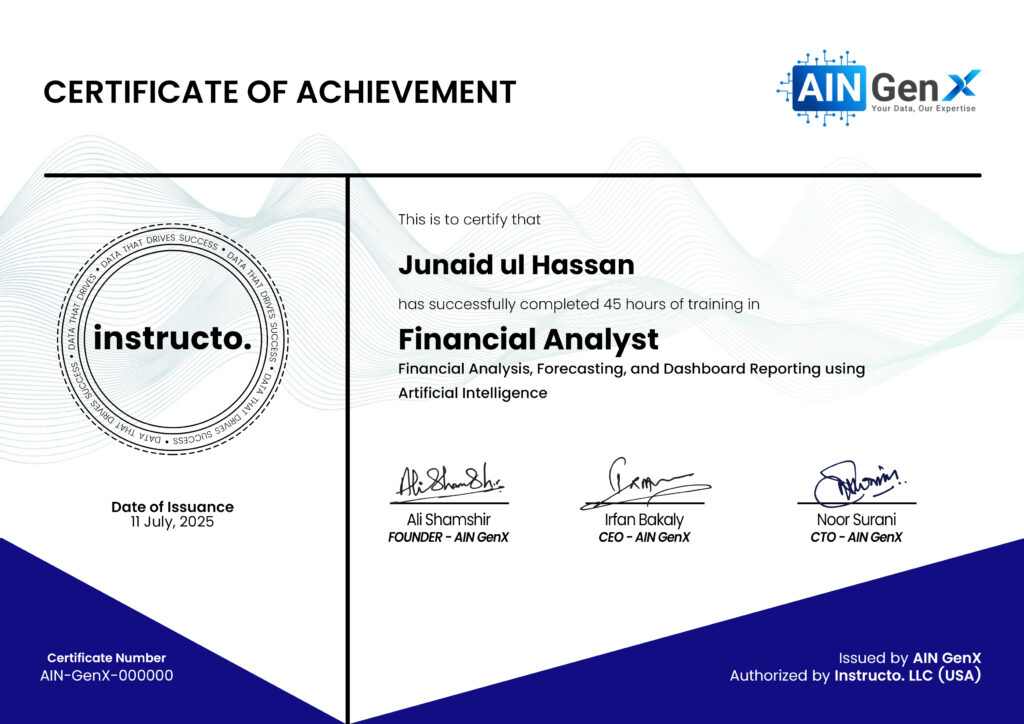
Certificates